 Poradix
Your meeting, summarized
A clear summary, key points and decisions, written in the language of the meeting – English, German, Slovak, Czech and many more.
Opening Poradix…
Open this link on the phone where Poradix is installed.
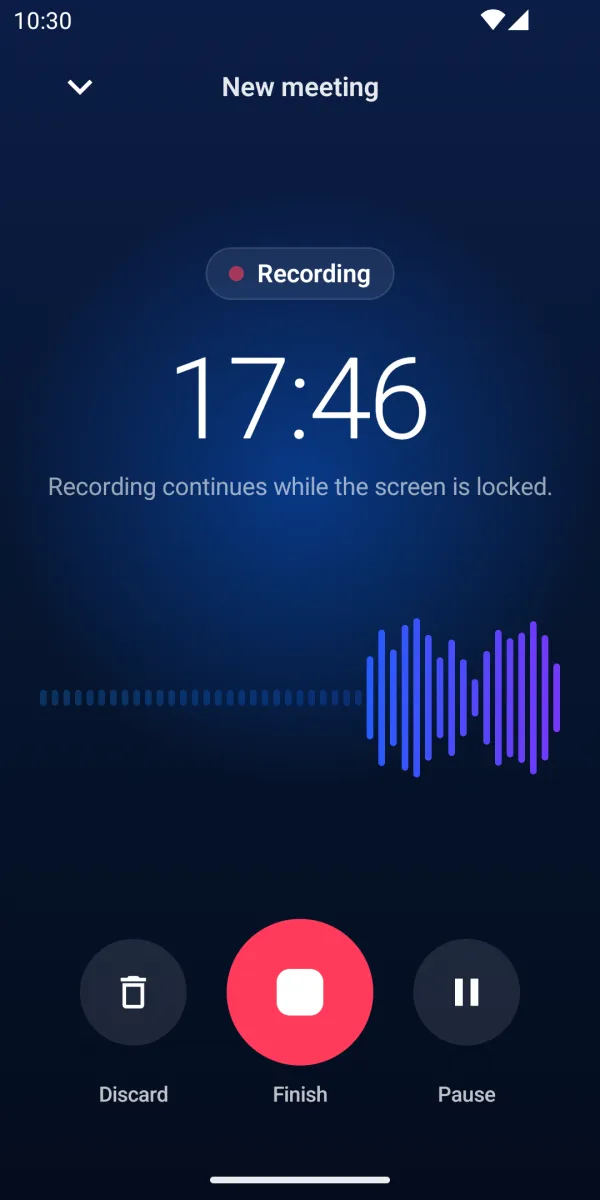
Poradix records your meeting and turns it into a transcript with speaker labels, a clear summary, decisions and tasks. Pay only for the hours you use.
The summary is written in the language of the meeting, and the app itself is available in 18 languages.
No subscription, no monthly fees. You pay only for the length of the meetings you process.
Prices are shown in the app, in your currency.
Three steps from the meeting room to a list of what was agreed.
Record it right on your phone, or add an audio file you already have.
It transcribes the meeting, tells the speakers apart and lets you know when it's ready.
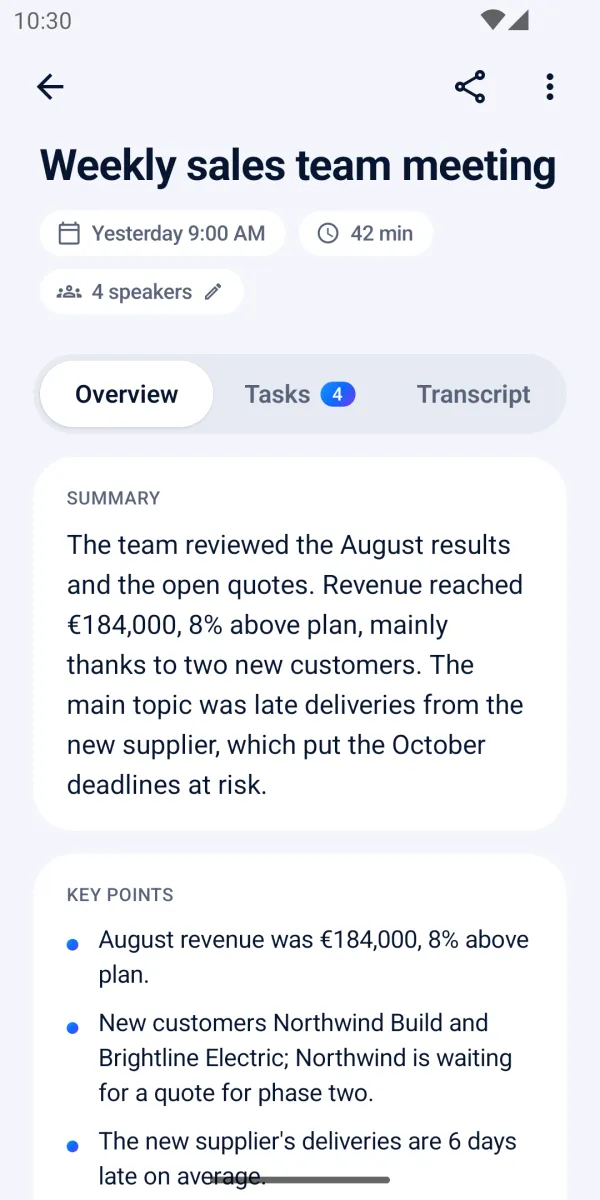
A summary, key points, decisions and tasks, written in the language of the meeting.
Poradix picks out what matters, so you don't have to listen to the meeting again.
A clear summary, key points and decisions, written in the language of the meeting – English, German, Slovak, Czech and many more.
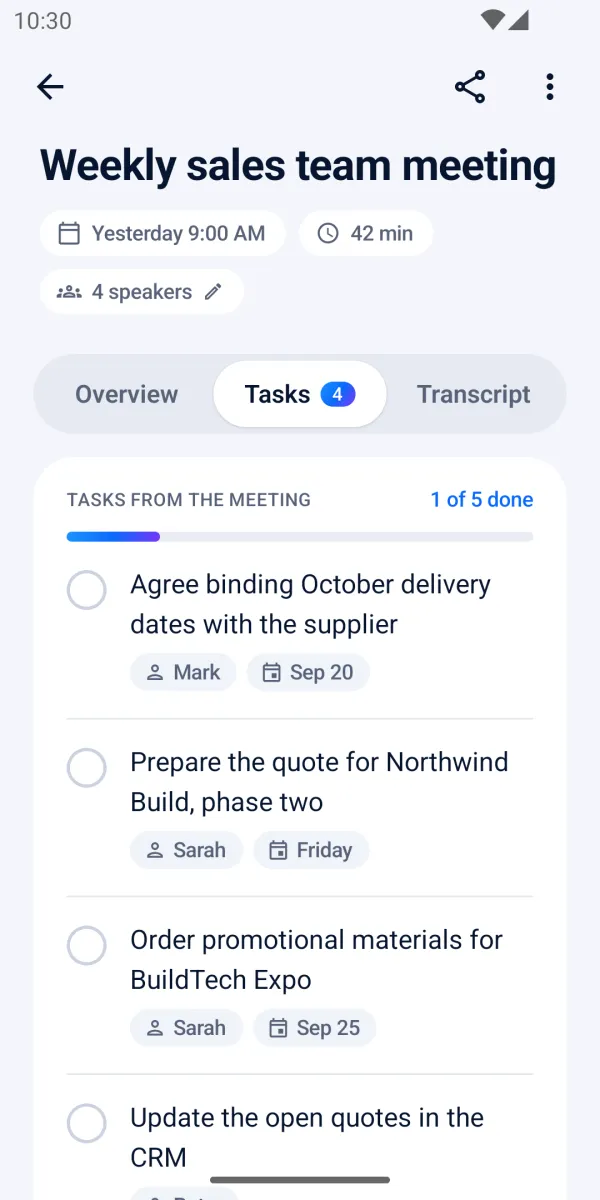
Poradix picks out the tasks from the meeting, with who should do them and by when. Tick them off as they get done.
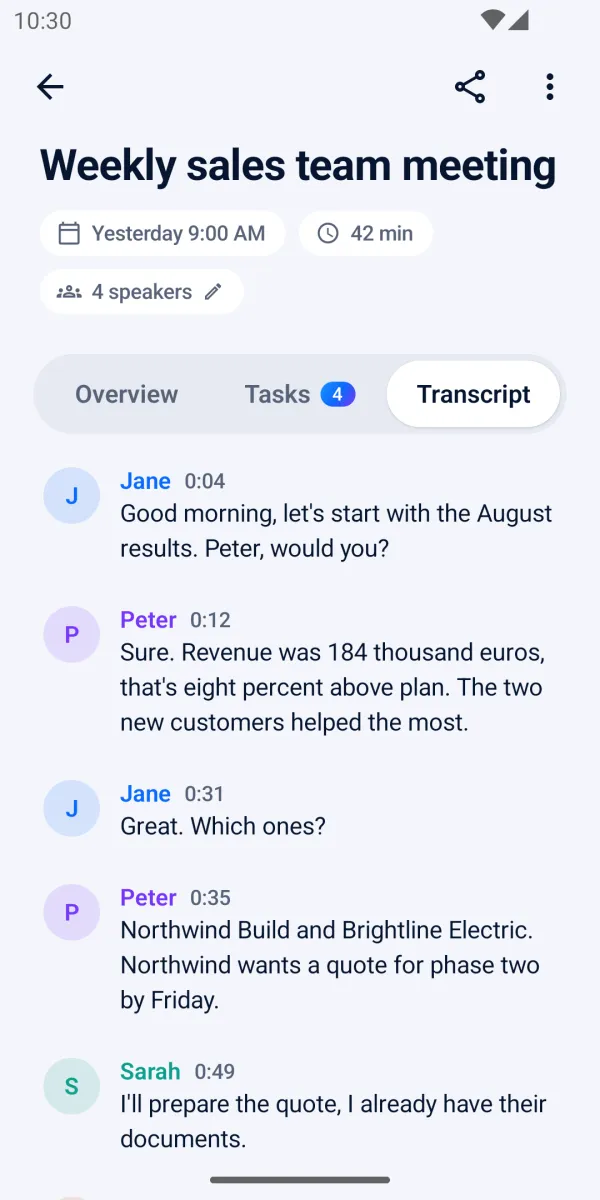
The transcript tells the speakers apart and uses their names where the conversation makes them clear. You can correct the names.
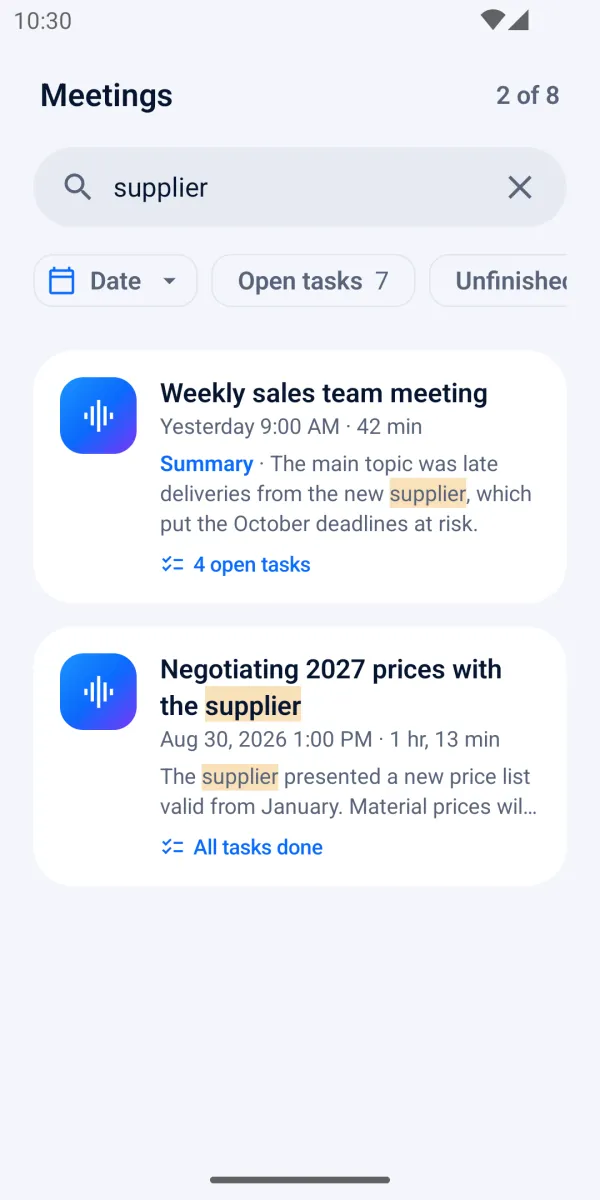
Search summaries, decisions, tasks and names across all your meetings, and filter by date or by open tasks.
A phone call pauses the recording and it continues after the call. Meetings up to 5 hours.
The summary in the message, the summary and the transcript as PDF attachments.
Have a recording already? Add it from your phone, for example M4A, MP3 or WAV.
Lock the phone or switch apps. Poradix keeps working and tells you when the meeting is ready.
Poradix is built so that your conversations don't pile up on someone else's server.
Recordings, transcripts and summaries are stored on your phone, not on our servers.
The audio is sent to the server only to be processed and is deleted right after.
No advertising and no analytics, in the app or on this website.
No. You get free transcription time to start with, then buy hours in packs only when you need them. Bought hours don't expire.
By the length of the recording, rounded up to whole minutes. The prices of the hour packs are shown in the app.
Poradix transcribes meetings in many languages, including English, German, Slovak, Czech, Polish and Hungarian, and writes the summary in the language of the meeting. The app itself is available in 18 languages.
Up to 5 hours, whether you record it in the app or add an audio file.
On your phone. The audio is sent to our server only to be transcribed and summarized, and is deleted right after. The server keeps only your account and your remaining hours.
Sign in with the same Google, Apple or e-mail account and your hours are there. Meetings are stored only on the old phone, so share or save the ones you need as PDF first.
In the app, go to Account → Delete account. You can also do it on the web: poradix.app/delete-account
Free transcription time to start with. No monthly fees.